The Ultrawide Advantage
Embrace the 21:9 and 32:9 aspect ratios.
Peripheral Immersion
Standard 16:9 displays limit your field of view. By stepping into the 21:9 territory, you physically expand your digital environment. In gaming scenarios, this translates to heightened situational awareness. In productivity suites, it means viewing multiple full-width documents side-by-side without alt-tabbing.
Calibrating Your Display
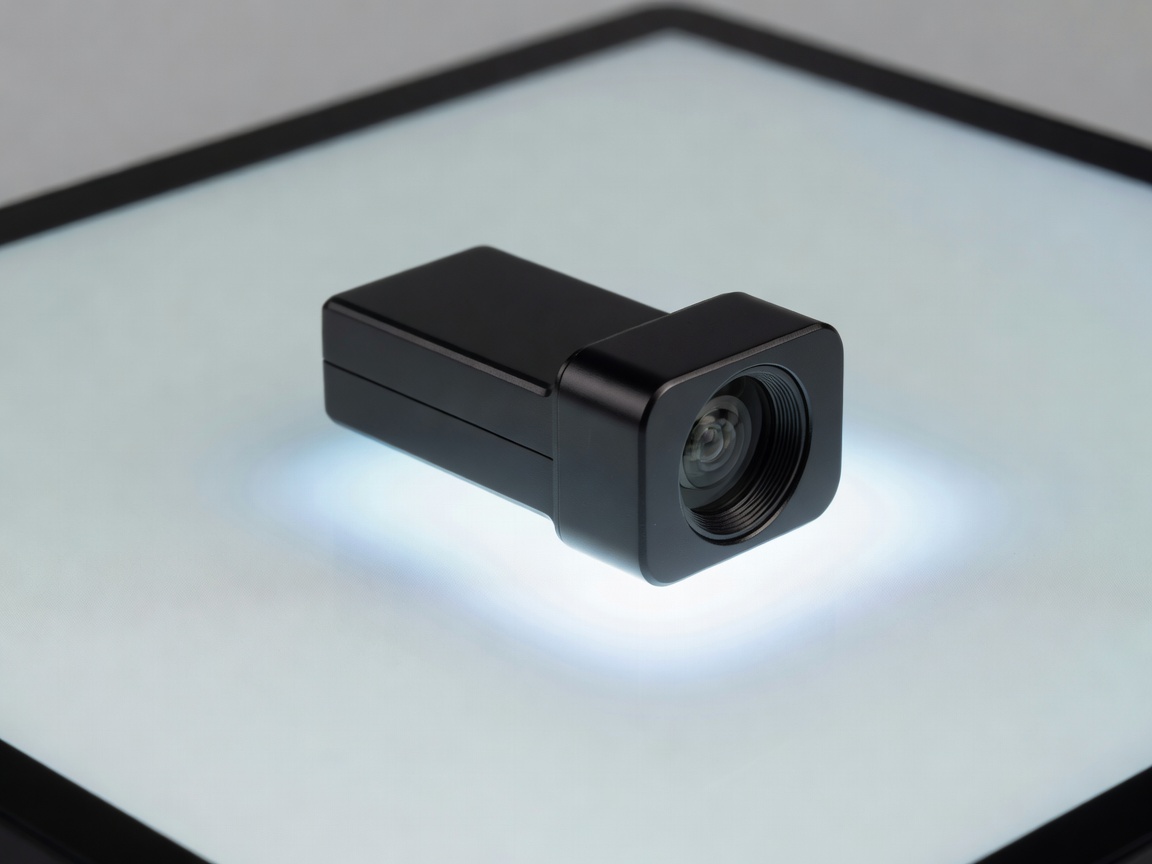
An expansive canvas requires consistent lighting across its surface. Due to the aggressive curvature (often 1000R or 1500R) on modern ultrawides, proper calibration is crucial. Using a hardware colorimeter ensures that gamma curves and color temperatures remain uniform from the center outward to the extreme edges.
Standard 21:9 vs Super Ultrawide 32:9
| Aspect Ratio | Resolution Standard | Best Use Case | Desk Space Requirement |
|---|---|---|---|
| 21:9 | 3440 x 1440 (UWQHD) | Immersive RPGs, Video Editing | Moderate (approx. 32 inches wide) |
| 32:9 | 5120 x 1440 (DQHD) | Simulators, Extreme Multitasking | Heavy (approx. 47 inches wide) |